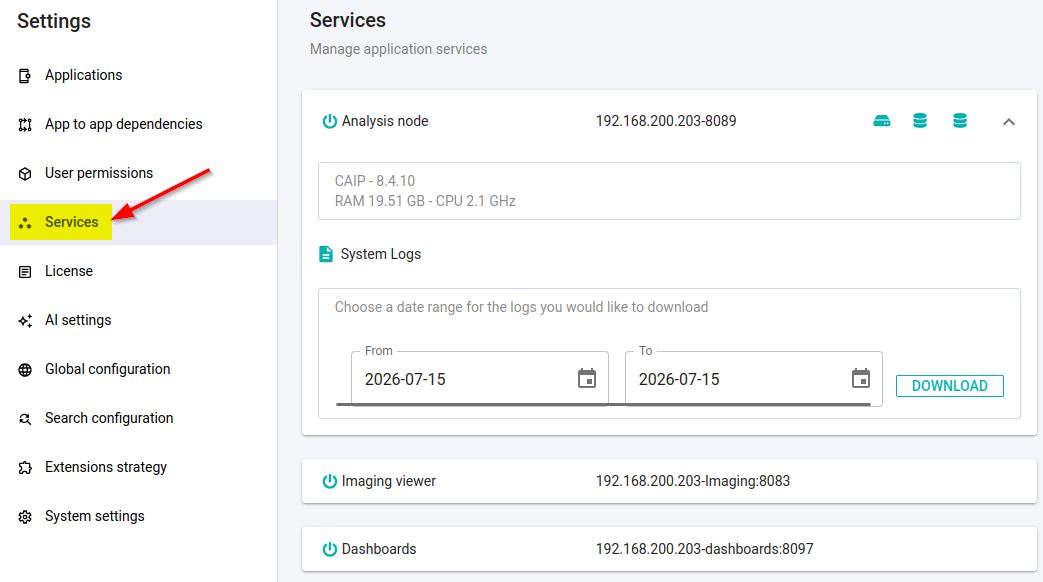
Services
Overview
Provides technical information about the various services that are registered and interact with your CAST Imaging installation:
analysis-nodesimaging-servicesAvailable in ≥ 3.6.8-funcrelimaging-viewerdashboards
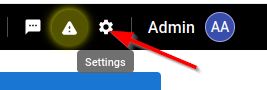
Download service logs
Logs can be downloaded for every service listed on this page. In releases before 3.6.8-funcrel, only the analysis node service offered this.
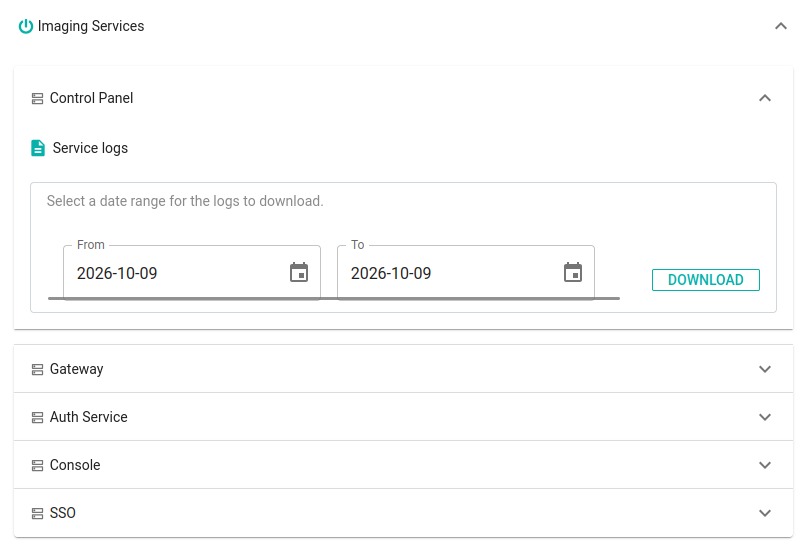
Expand the component you are interested in, then expand the service whose logs you need. Each service carries a Service logs panel: choose a From and a To date, and select DOWNLOAD.
| Component | Services whose logs you can download |
|---|---|
analysis-nodes |
The node service - see Service logs below |
imaging-services |
Control Panel, Gateway, Auth Service, Console, SSO |
imaging-viewer |
Imaging Viewer, ETL, Imaging API, AI Service, Neo4j |
dashboards |
The dashboards service |
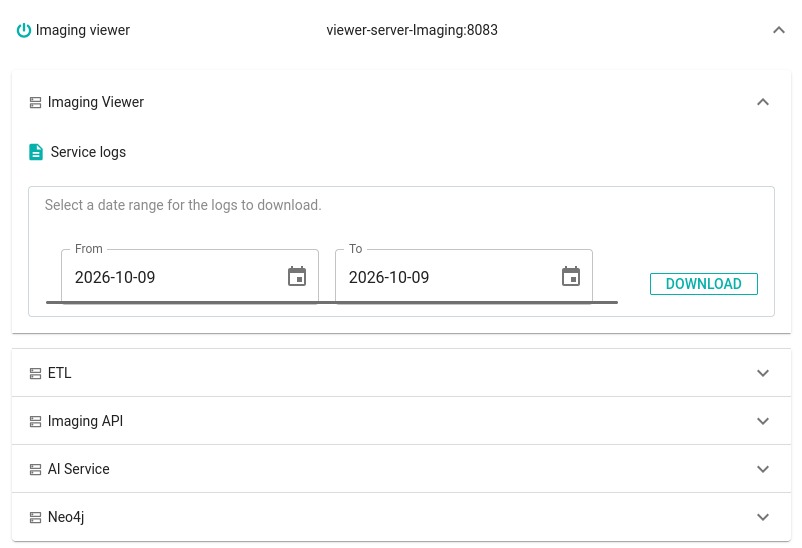
The logs arrive as a ZIP file named for the service and the range you chose, for example:

Where the service wrote nothing in that range, no file is produced and a message is displayed instead:

See Microsoft Windows file storage locations and Linux via Docker/Podman file storage locations for where each service writes its logs on disk, and how long they are kept.
analysis-nodes
For each node that is registered with your CAST Imaging installation, an entry will be listed. This typically takes the following format:
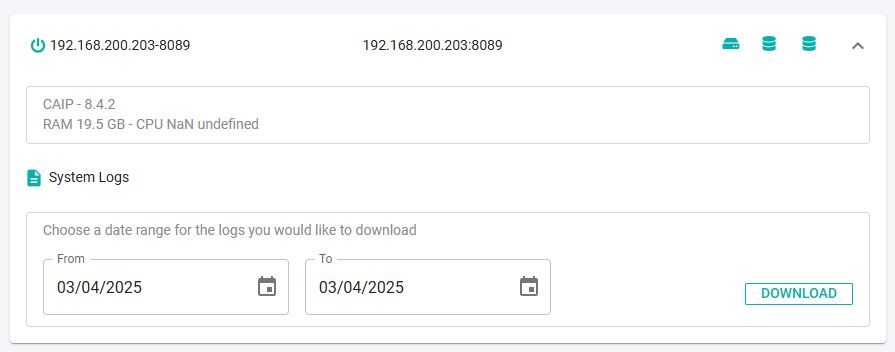
Name / URL / technical spec

Display name, URL and technical spec of the registered node. The name is determined automatically and consists of the server host name/IP address as defined during the installation and the port that the node service is running on.
The display name for the node can be customized as part of the installation process for Linux via Docker, via the IMAGING_NODE_INSTANCEID variable available in the configuration.conf properties file.
Disk and database storage status

Shows:
- the status of the disk storage on the node. Rolling the mouse pointer over the icon will display the amount of free disk space in GB. The icon will be displayed in yellow when disk space is low.
- the status of all PostgreSQL instances (whether it is “up” (green) or “down/unreachable” (red)) configured in CAST Imaging (see CSS and Measurement settings). Rolling the mouse pointer over the icon will display the host name and port number of the instance.
Service logs
Use this option to download the logs of the node service for the current node - on Microsoft Windows, the %PROGRAMDATA%\CAST\Imaging\CAST-Imaging-Analysis-Node\logs\analysis-node.log file.
This panel was labelled System Logs in releases before 3.6.8-funcrel.
imaging-services / imaging-viewer / dashboards
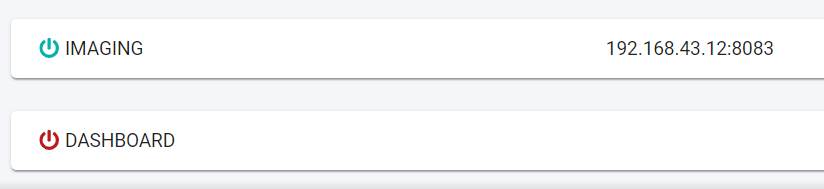
Shows the status of each of these components, with imaging-viewer and dashboards also showing the URL and port number of the service. Expand an entry to reach the logs of the services it is composed of - see Download service logs above. Where a service is uncontactable, it is displayed in red: