CAST Imaging components: an overview
Overview
CAST Imaging is a grouping of various components that work together to produce the results that allow you to investigate your application. This page provides an overview of the different components and how end users access them.
End-user entry point
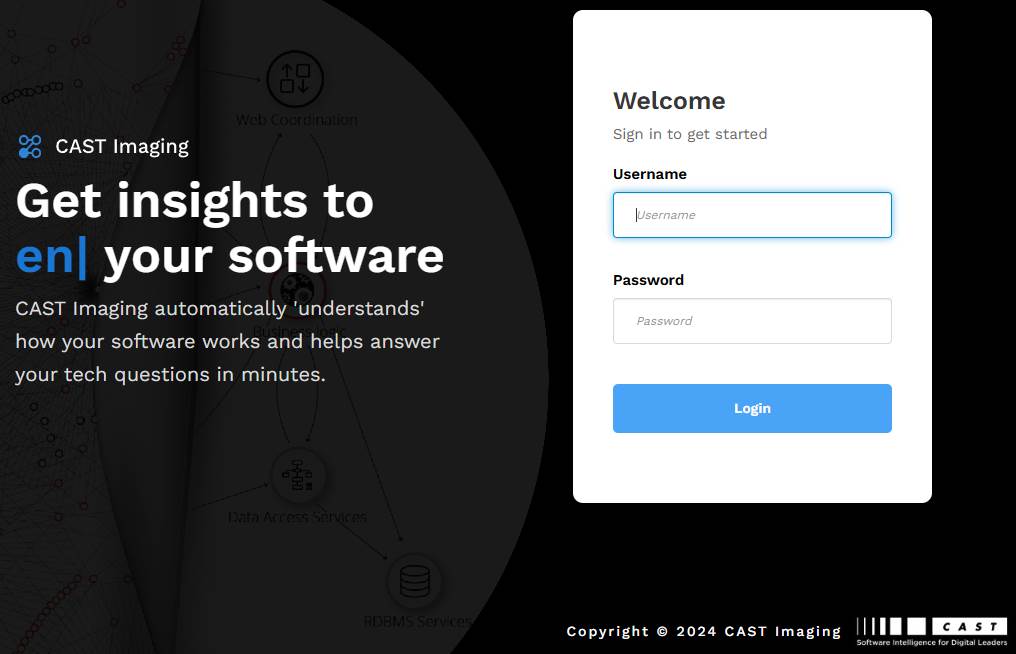
There is one single point of entry for all users, whether Administrators, Application Owners or simply those that need to view analysis results: this is known as CAST Imaging and is accessed in a web browser. All actions are completed using this component:
- application onboarding and scan
- analysis configuration
- extension management
- deep analysis
- result generation
- result consumption
Technical components
These technical components are “invisible” to end-users but together they form the end-user entry point CAST Imaging. The table below is a quick reference - detailed descriptions of each component follow.
| Component | What it does | In a deployment |
|---|---|---|
imaging-services |
Central hub - the end-user entry point that handles authentication, routing and orchestration, and connects all other components | Always required (exactly one instance) |
imaging-viewer |
Interactive exploration of analysis results - graph navigation, APIs and AI features | Optional |
dashboards |
CAST Gatekeeper - aggregated metrics and KPI reporting through the Management, Engineering and Security dashboards | Optional |
analysis-node |
The analysis engine (CAST Imaging Core + Node Service) that scans source code and generates the results | Required to run analyses; can be scaled to multiple instances |
| PostgreSQL database | Stores the data generated during analyses plus configuration/persistence data | Required |
| Extend Local Server | On-premises proxy to CAST’s Extend ecosystem for downloading extensions | Optional - only for restricted/air-gapped environments |
| MCP Server | Bridges AI clients (GitHub Copilot, Claude, Cursor) to CAST Imaging / Gatekeeper data | Optional - installed independently |
Imaging Services
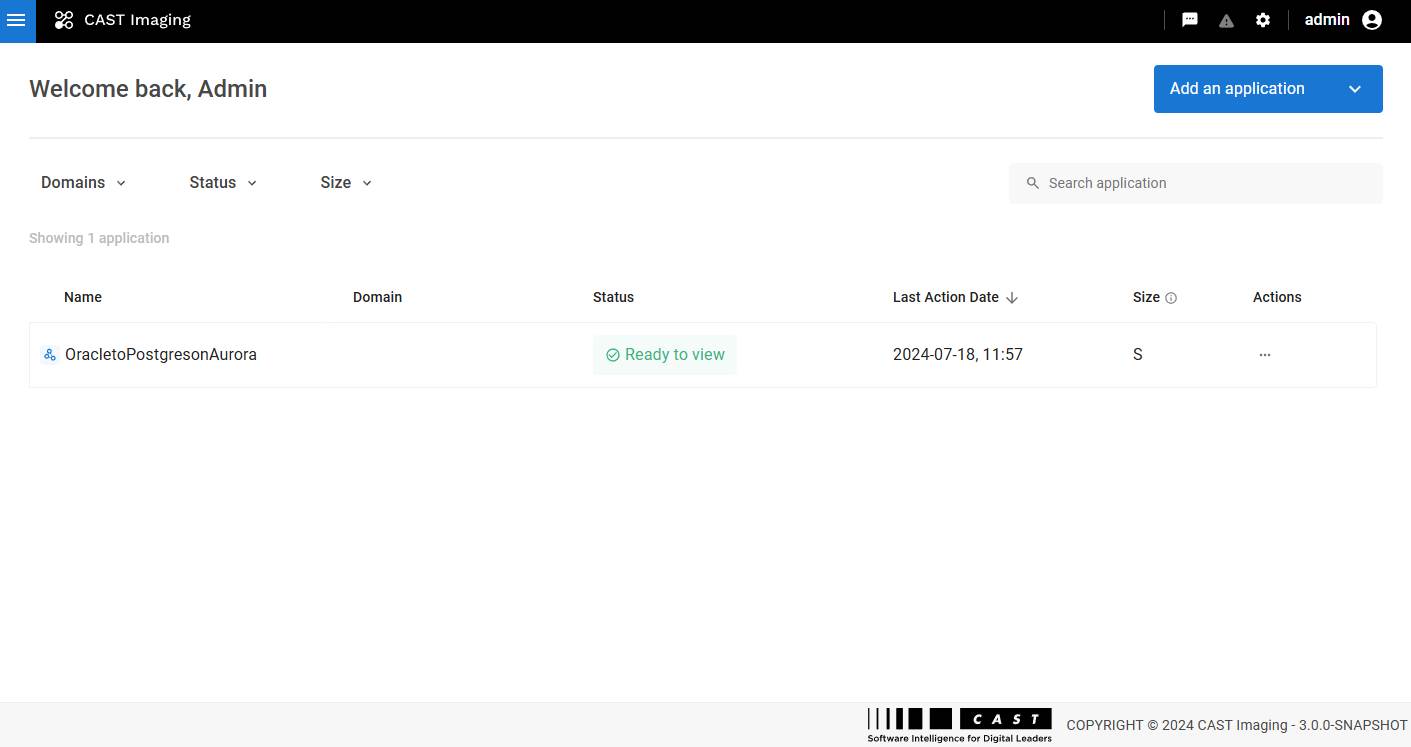
imaging-services is the component providing the end-user access for application onboarding, analysis configuration/operation and result consumption and connects all other CAST Imaging components. One single instance of this component must always be deployed per installation of CAST Imaging.
Internally, imaging-services is implemented as a set of technical components that handle authentication, routing, configuration, and service orchestration. The components and their responsibilities are detailed below:
- Auth Service - service responsible for validating authentication requests and enforcing access control to the underlying services. See Authentication.
- SSO Service - Keycloak-based service providing single sign-on capabilities. See Authentication.
- Control Panel - main backend service of the platform. It provides:
- Centralized configuration value storage,
- Service registration and discovery,
- Coordination mechanisms allowing other components to communicate consistently.
- Gateway - frontend gateway responsible for:
- Redirecting unauthenticated users to the SSO Service when authentication is required,
- Proxying and routing requests to the appropriate internal services.
Imaging Viewer
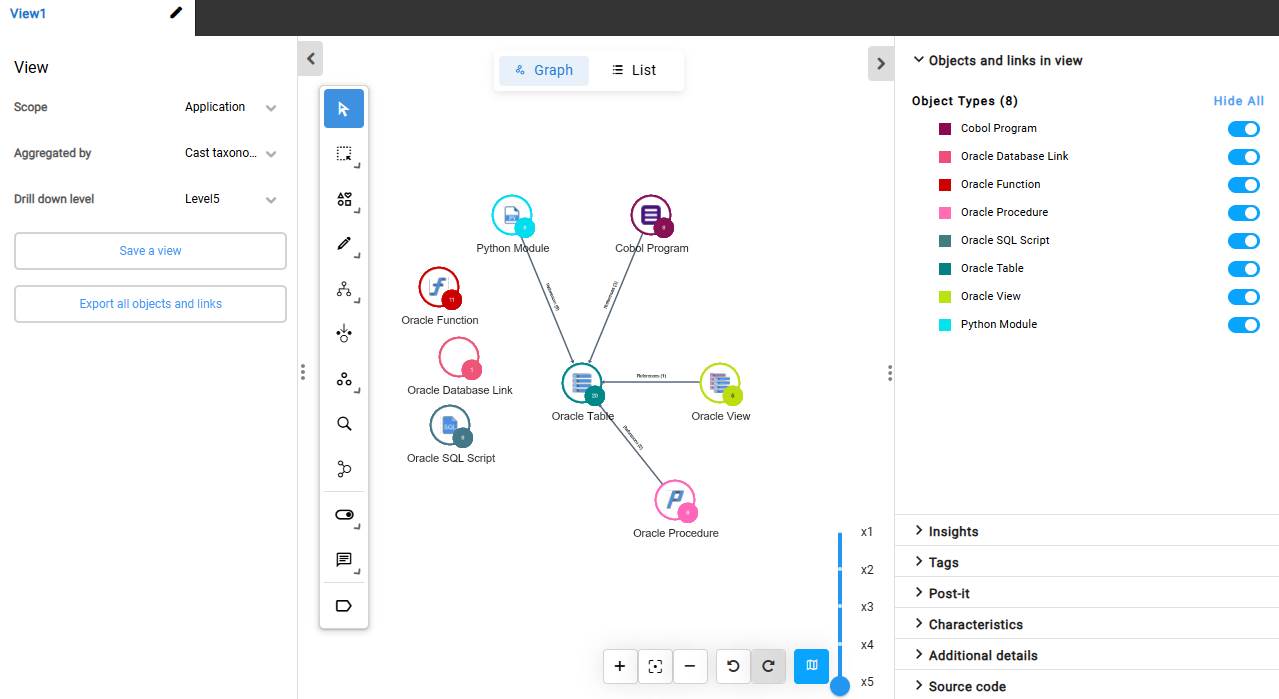
imaging-viewer provides the main result consumption capabilities to the imaging-services component. It is an optional component and can be omitted from a deployment if result consumption via imaging-viewer is not required or is not licensed.
To deliver interactive and efficient result exploration, imaging-viewer relies on multiple technical components responsible for data transformation, API exposure, AI features, and user interface rendering. These components and their roles are described below:
- ETL - component responsible for extracting analyzed data from the PostgreSQL database, transforming it, and loading it into the Neo4j graph database used for visualization and navigation.
- Imaging APIs - backend APIs designed for users or systems that do not rely on the CAST Imaging UI and need direct access to analysis data and results.
- AI Service - component handling all AI-related capabilities, including:
- Imaging chatbot interactions,
- Transactional summaries,
- Other AI-driven features.
- Viewer Frontend (Microsoft Windows) - frontend service responsible for rendering all user interfaces and visual views on Windows-based deployments.
- Viewer Backend (Windows) - backend service managing viewer-related tasks, data access, and interactions between the frontend and underlying services.
- Viewer Server (Linux) - on Linux deployments, this component combines backend and frontend functionalities into a single service.
Gatekeeper (Dashboards)
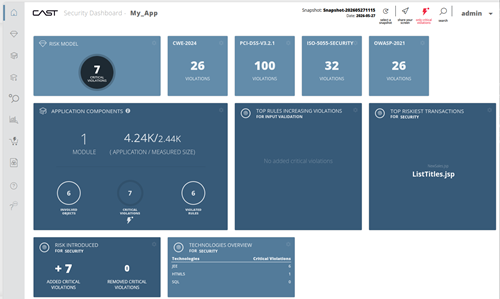
dashboards is the component behind CAST Gatekeeper. It provides aggregated metrics and KPI reporting capabilities through three dedicated dashboards:
- Management
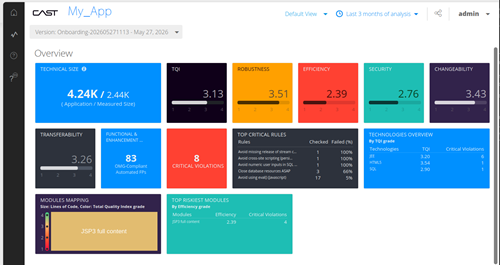
- Engineering
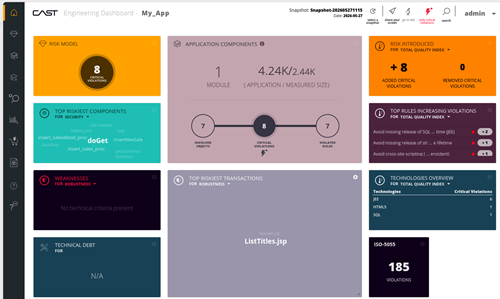
- Security
It is an optional component and can be omitted from a deployment if result consumption via Gatekeeper is not required or is not licensed.
One single instance of this component is required and is provided by default in both Microsoft Windows and Linux via Docker installers.
- Gatekeeper can also be deployed in a standalone/read-only mode alongside
imaging-servicesonly, without ananalysis-nodeorimaging-viewer. In this configuration users can view previously analyzed results through the dashboards but no local analysis is possible. See Standalone deployment workflow. - For what the three dashboards do and how end users work with them, see Consume results with CAST Gatekeeper.
Analysis Node
This component provides the analysis capabilities to the imaging-services component and consists of two sub-components:
- CAST Imaging Core - the technical analysis “engine”
- Node Service - a backend service dedicated to analysis execution.
Together these two sub-components handle source code discovery and orchestrate the in-depth technical analyses.
This component is compute-intensive and can be deployed in multiple instances to scale analysis capacity and distribute workloads.
An analysis-node is usually a dedicated machine (physical or virtual) or container on which the two sub-components are installed.
CAST provides the CAST Imaging Core component automatically when installing CAST Imaging on Linux with Docker, Kubernetes and Podman. When installing CAST Imaging on Microsoft Windows, this sub-component must be obtained and installed separately.
Database
CAST Imaging requires an RDBMS component to store both the data generated during analyses and persistence data (settings/properties etc.). CAST supports only PostgreSQL as follows:
- PostgreSQL - an official PostgreSQL release installed by the customer, either on Microsoft Windows (from EnterpriseDB ) or on Linux (via the official repository or Docker).
There can be one or multiple instances of this component in a deployment. Multiple instances can be installed in order to load-balance your analysis and data storage requirements.
CAST provides one single instance of the database component as a container when installing CAST Imaging on Linux via Docker and can be optionally used if required (manual installations of PostgreSQL can alternatively be used). When installing CAST Imaging on Microsoft Windows, this component must be obtained and installed separately. Additional remote instances can also be deployed in both cases.
Additional components
The following components are optional and address specific deployment needs. They are installed separately and are not part of the core CAST Imaging entry point.
Extend Local Server
Extend Local Server is an on-premises intermediary placed between CAST Imaging and CAST’s publicly available “Extend” ecosystem (https://extend.castsoftware.com ), from which CAST Imaging downloads the extensions required for analysis. It is intended for secure environments with no or restricted internet access, and operates in one of two modes:
- Online - retains a connection to CAST Extend and acts as a proxy, downloading extensions on demand (firewall rules can then restrict internet access to this server only).
- Offline - has no connection to CAST Extend and is manually populated with the extensions you need (suitable for fully air-gapped environments).
This component is only required when access to CAST Extend over the internet is not permitted. See Install Extend Local Server.
MCP Server
An MCP (Model Context Protocol) server is a standardized way for AI applications to connect to external data sources and tools, acting as a secure bridge between an AI client and external systems. CAST provides two MCP Server components, each targeting a different backend API:
- MCP Server for CAST Imaging - interfaces AI clients with CAST Imaging results (application architecture, transactions, quality insights, and code objects) via the Imaging API.
- MCP Server for CAST Gatekeeper - interfaces AI clients with the CAST Dashboard REST API (compliance status, technical debt, violations, and quality metrics).
These components are optional and are deployed independently of a CAST Imaging installation. See MCP Server.