Assign access to users and groups
Give a user or group access to CAST Imaging by assigning them a profile.
Assign a profile
Permissions are assigned to users or groups via a profile using the Users tab. You can assign any of the default profiles, or one of your own custom profiles:
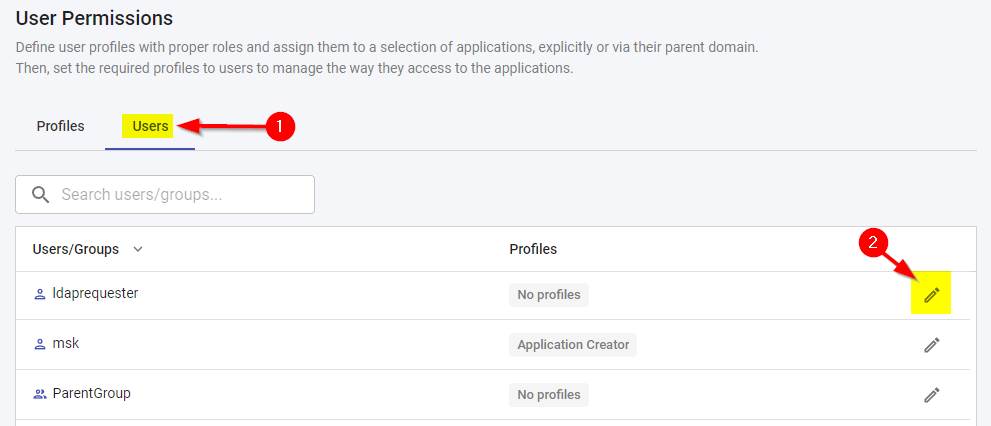
- A user or group can be assigned multiple profiles. When that happens, the most permissive permission takes priority - see How multiple profiles combine.
- Use the search box and the sortable columns to locate the right user - see View user details and account status.
- Except for
Admin, predefined profiles have no access to any application or domain until you grant it. If a user sees no data, check that their profile is scoped to the relevant applications/domains - see Create a custom profile.