Managing Application details
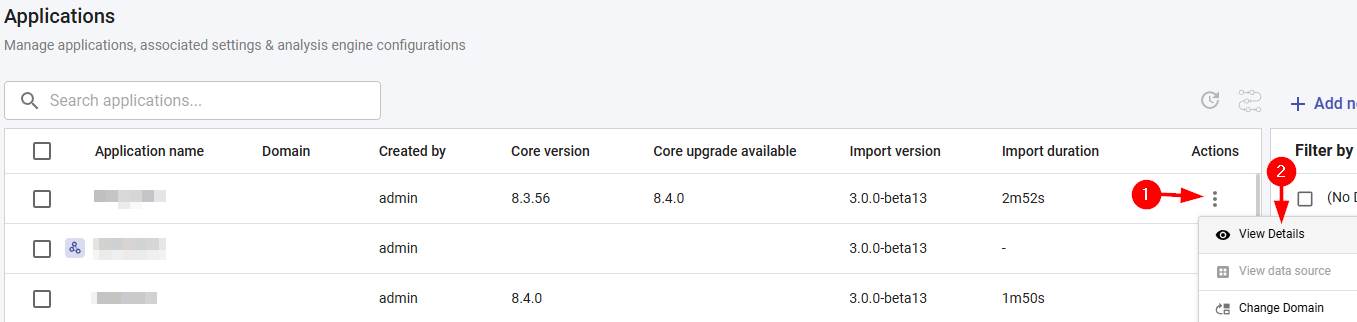
This section explains the Details section, providing information about specific applications. This option can be accessed by selecting the application then using the Actions menu:
Each option in the Details section is explained in the pages listed below:
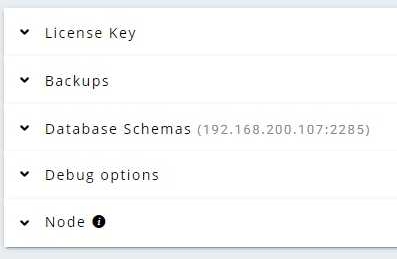
- Managing application backups: view, create, and restore backups taken for the application.
- Using the database schemas option: review and manage the PostgreSQL schemas used by the application.
- Using the debug options: enable debug settings to help diagnose analysis issues.
- Move an application to another environment: use the Exports section to export a complete application for import into another CAST Imaging environment. Available in ≥ 3.6.6-funcrel
- To update the license key for a Named Application from the Details panel, see Manage license keys.
- To manage analysis nodes see Manage an existing node.