Get an overview of your application
Overview
This guide helps you build a first picture of an application you have not seen before. You start from the high-level summary on the Welcome page, then open the application in the viewer and progressively drill down from abstracted components to individual objects.
Step 1 - Open the application
From the Application landing page, click the application you want to explore (must have the Ready to view status):
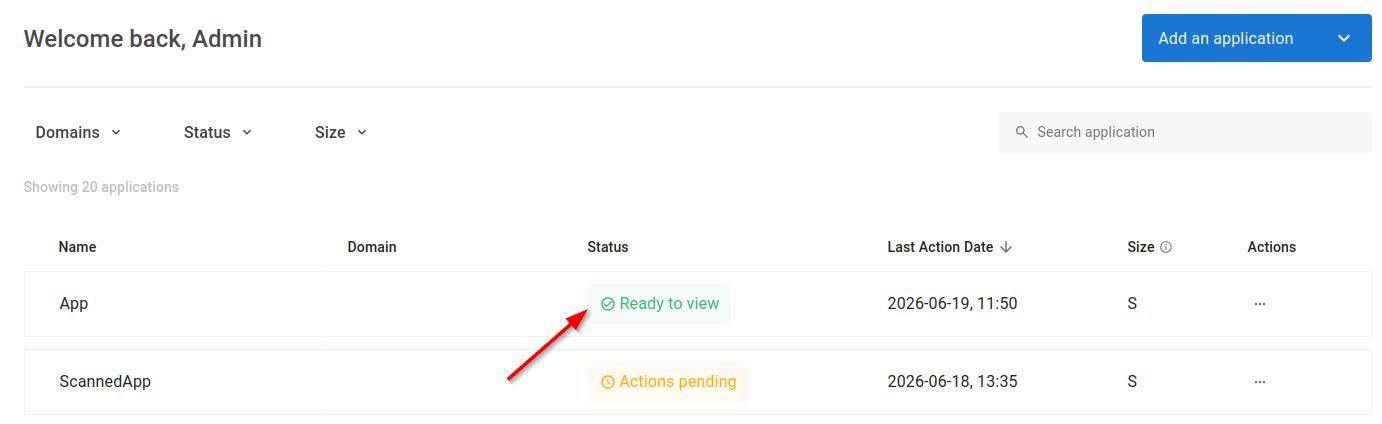
The Welcome page (also known as the Overview page) is displayed by default:
Step 2 - Read the application summary
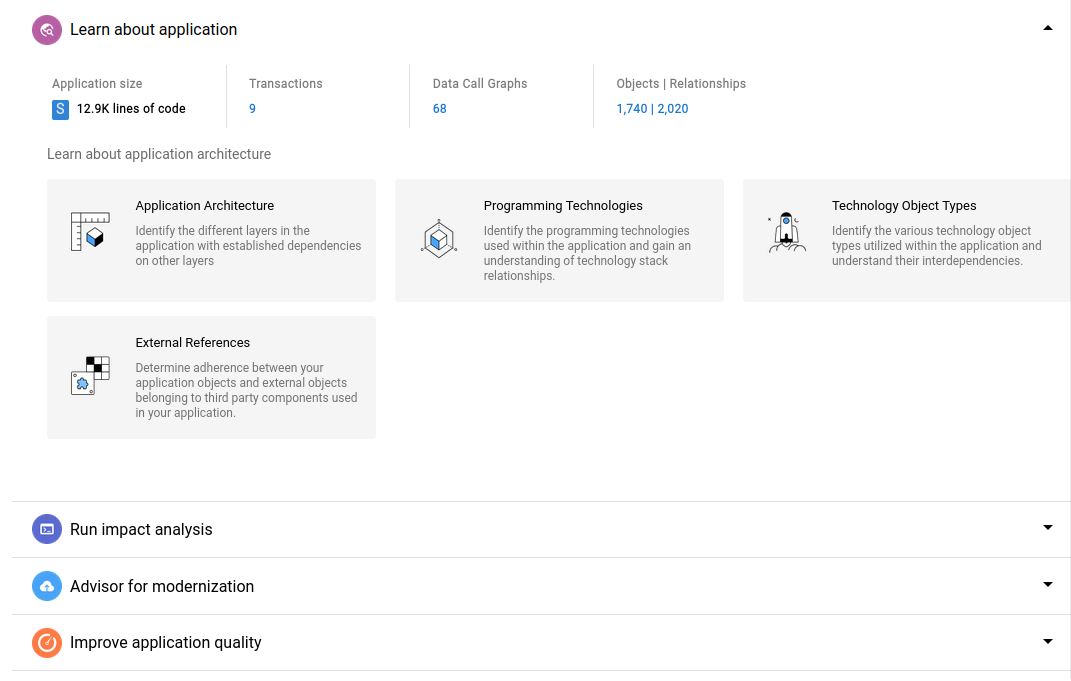
The summary at the top of the Welcome page gives you the key indicators for the application:
- Application size in lines of code (LOC)
- Number of transactions
- Number of data call graphs
- Number of objects identified and resolved
- Number of relationships between objects
- Number of custom aggregations
Each panel except the LOC panel is clickable and opens the corresponding list of items. The remaining sections of the Welcome page are tailored views whose content depends on the technologies in your application - use these to jump straight to frameworks, database information, and other starting points.
Step 3 - Use the Application Architecture view
Open the Application Architecture view - this corresponds to the entire application and uses the CAST Taxonomy perspective by default, grouping objects into the main technical components, initialized by default at Level 3:
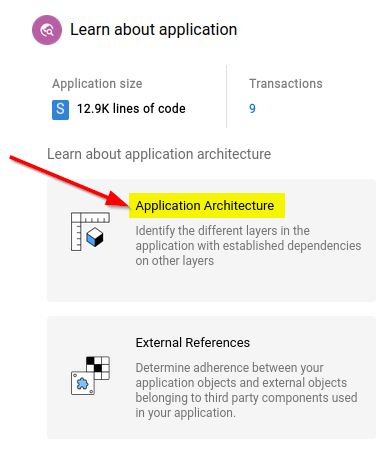
See Left panel for more information.
Step 4 - Drill down through the levels
The view aggregates objects into levels of abstraction, from Level 1 (the most abstracted) through Level 5, and finally the Objects level where you see the physical objects and the links between them. Double-click a node to drill into it and reveal the next level of detail. For the full set of navigation controls, see Working with a view.
Step 5 - Switch perspective/scope
To look at the same application grouped a different way, change the Aggregated by perspective in the left panel. Perspectives are available for the Application scope and include:
- CAST Taxonomy - the default technical grouping
- Module - the functional modules defined during analysis
- Service - automatically detected microservices
- Project structure - the projects identified in the source code
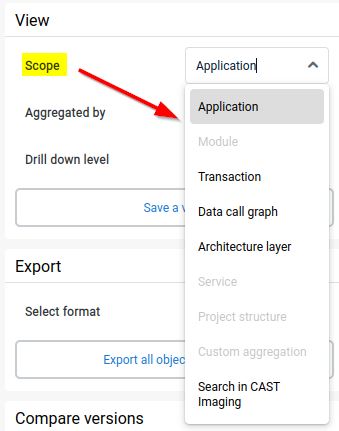
For the complete list of scopes, perspectives, and levels, see the left panel reference.