Explore application modularity
Overview
This guide shows you how to explore an application by its functional modules, read the coupling between those modules, and generate a functional breakdown when one is not already defined. Loosely coupled modules are easier to change or migrate independently, so this view helps you judge how modular an application really is.
Step 1 - Open the Module scope
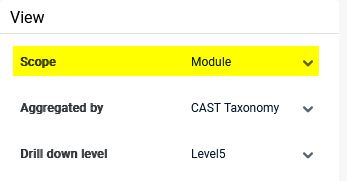
In the left panel, select the Module scope, or apply the Module perspective to the Application scope. Modules are defined during analysis - manually or automatically depending on the platform strategy - and group objects into a functional part of the application, a technology, or an entirely custom set.
Step 2 - Read the module diagram
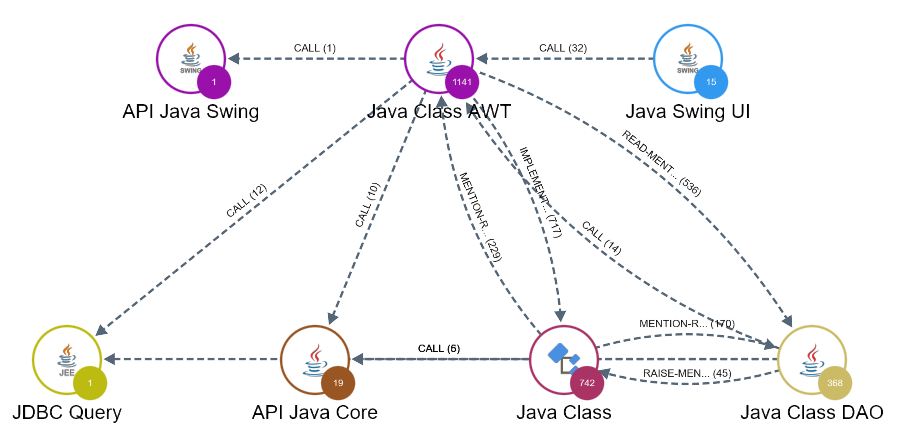
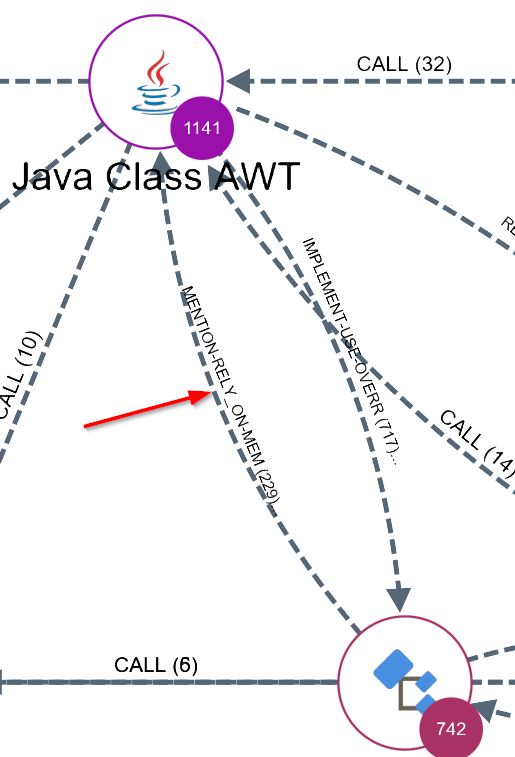
Each node represents a module and the links between nodes represent the dependencies between them. The thickness of a link reflects the number of dependencies: the thicker the link, the more tightly the two modules are coupled.
Step 3 - Drill into a module
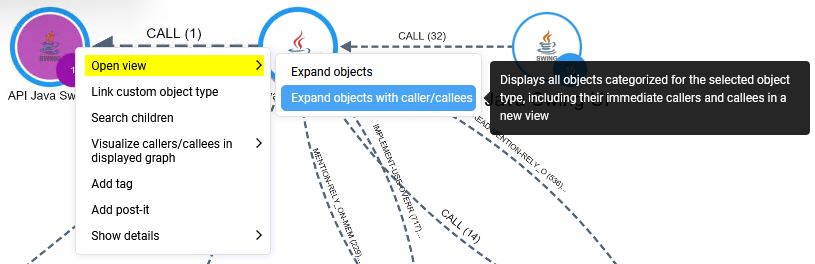
Drill into a module node to reveal the objects it contains, so you can see which objects are responsible for a dependency to another module.
Step 4 - Assess coupling
Look for modules joined by thick links or by many separate links - these are tightly coupled and are likely to be harder to change or migrate independently. To work with the underlying figures, export the view to CSV, XLSX, or JSON.
Step 5 - Generate a functional breakdown
If your application does not have meaningful modules, use the Module Assistant to generate an automated functional breakdown based on the wording found in the source code. To group objects into modules of your own design instead, create a custom aggregation.