View source code
Read the source code of an object directly in CAST Imaging
Overview
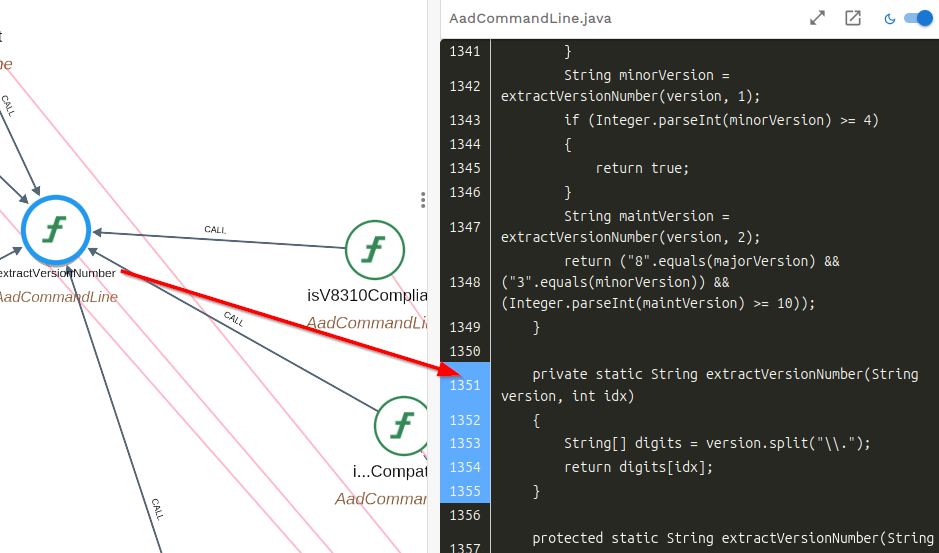
When you are investigating an object, you can read its source code without leaving CAST Imaging. The Source Code tab in the right panel displays the object’s code with the cursor positioned at the start of its definition, and lets you show the full parent file, open the code in a floating window, and switch between light and dark themes.
When to use this
Use this whenever you need to confirm what an object actually does - for example, after locating it with search or while tracing a transaction.
See Right panel - Source Code for the full reference.