Inspect object properties
Review the detailed characteristics and metadata of a selected object or link
Overview
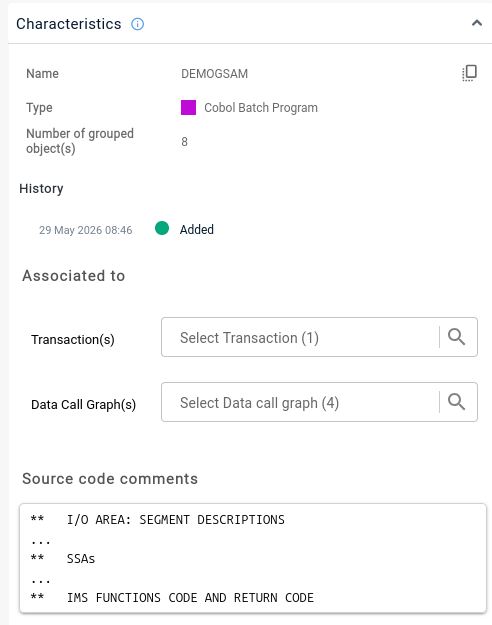
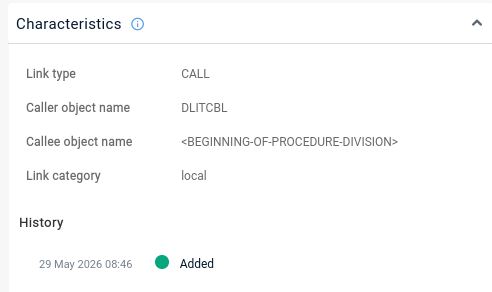
The Characteristics tab in the right panel shows detailed information about whatever you select in the view. For an object this includes its type, file, line counts, history, data sensitivity, and the transactions, data call graphs, modules and saved views it is associated with; for database tables it also shows column and index information. For a link it shows the link category and sub-category, history, and any SQL query involved.
Object
Link
When to use this
Use this to understand an object in detail - its role, size, associations, and how it has changed - once you have selected it in a view.
See Right panel - Characteristics for the full reference.