Right panel - Characteristics
Displays detailed information about an item (node/object or link) that has been selected in the view:
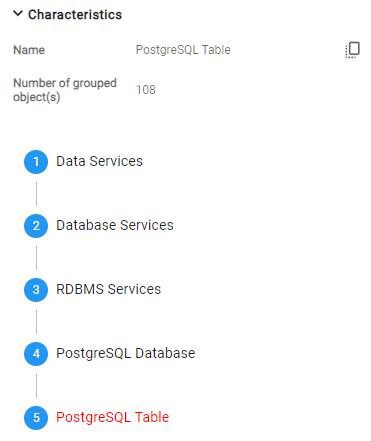
Details about nodes (i.e. multiple grouped objects) are limited:
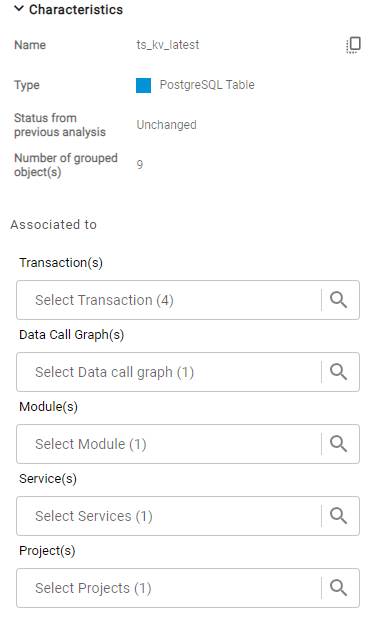
A high-level of detail is provided for specific objects/links, including “Role” (the item’s functional role in the application):
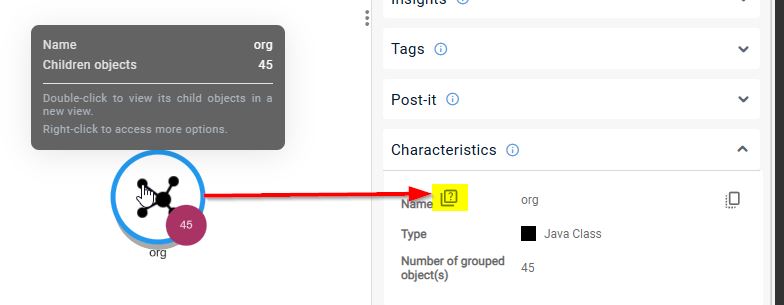
Community Naming
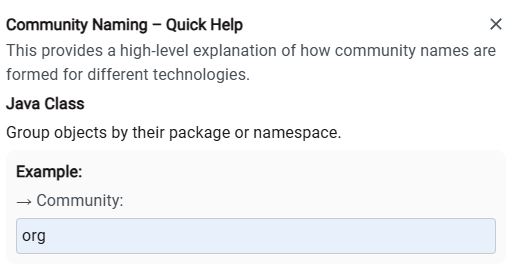
When the expand mode is set to “group by communities” a naming “helper” is available to provide more information about the item’s name: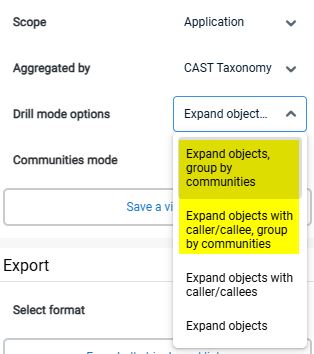
History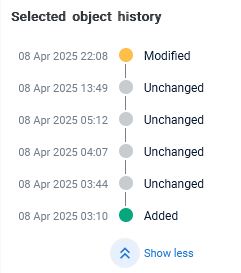
Shows the history of the object where more than one analysis of the application exists. See Working with object and link history for more information.
Associated to
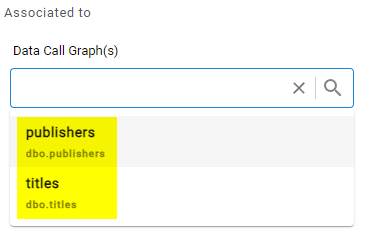
Additional associated information is available for objects, showing items the object is associated with, where applicable:
- Associated Transaction(s)
- Data Call Graph(s)
- Module(s)
- Service(s)
- Subset(s)
- Project(s)
- Saved views
Data Sensitivity
Data Sensitivity information is displayed in this section where applicable:
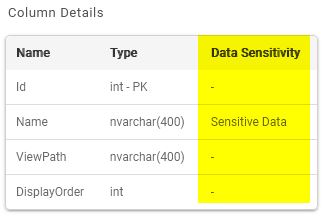
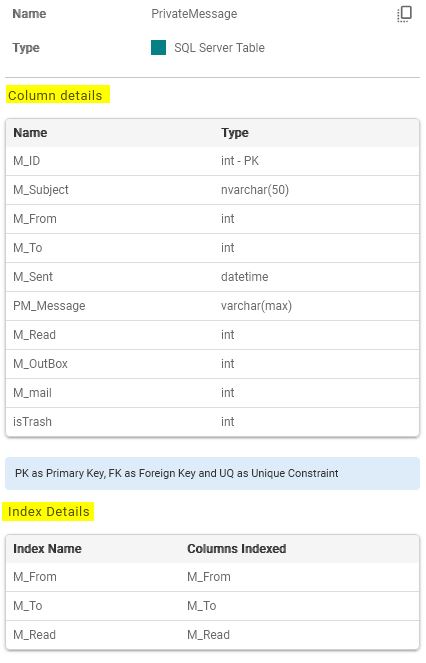
Table Column and Index information
For database tables, column and index information is displayed (note that you can view columns and indexes in the view by enabling the option Table columns as nodes described in Settings > Applications):
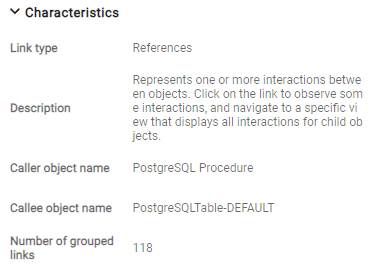
Basic details are provided for grouped links, (i.e. where there are multiple links between the two items because the items are nodes):
Details for links between objects: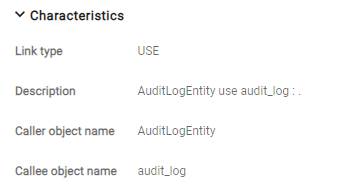
Link Category can be one of Static, Dynamic, or Remote based on the link type. Each category maps to its corresponding Sub-Category, e.g.: Link Category: Static: inherit
History
Shows the history of the object where more than one analysis of the application exists. See Working with object and link history for more information.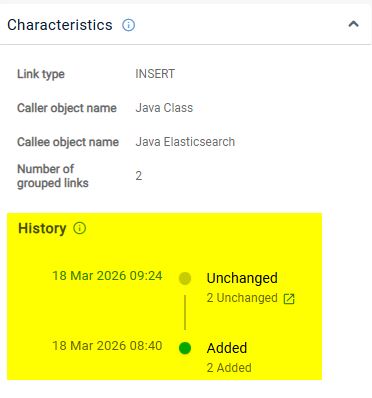
SQL Query
When the link is a SQL Query, this will be flagged: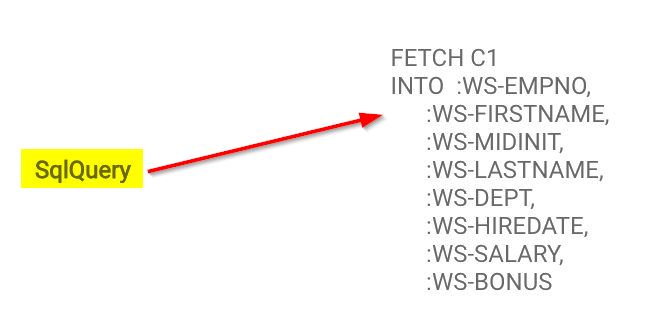
Available in ≥ 3.6.0-funcrel
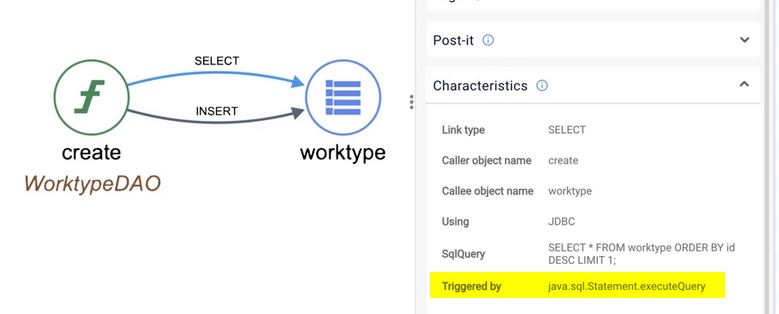
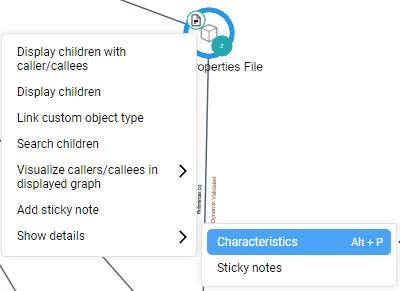
Characteristics can also be accessed by right clicking the item in the view and selecting Show details: