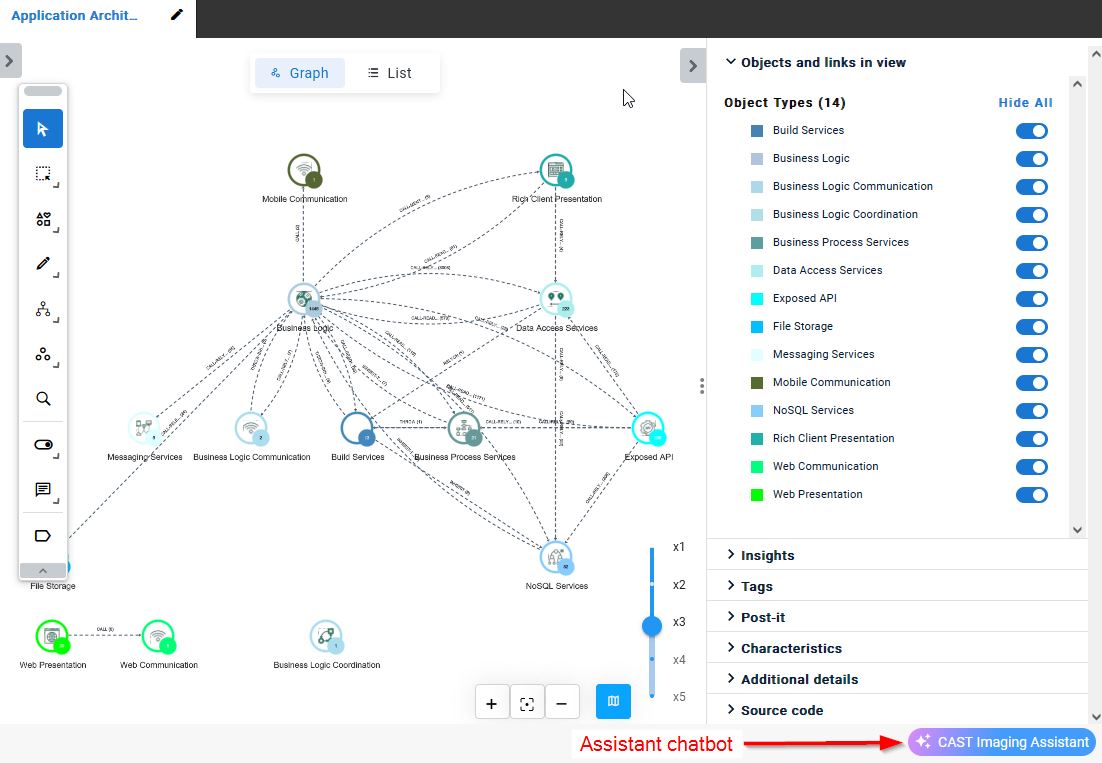
CAST Imaging Assistant chatbot
Overview
The CAST Imaging Assistant is a simple interface for asking direct questions about the application you are working on. It is available at any level and in all features within CAST Imaging when consulting results:
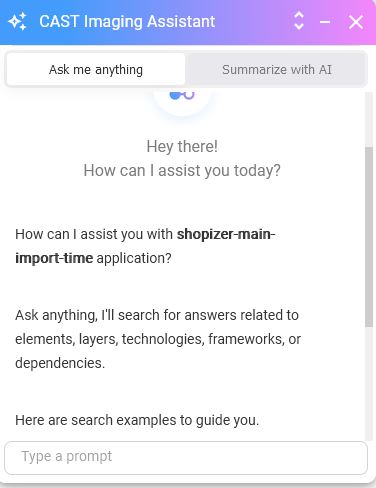
The responses returned by the chatbot are tailored to your application, for example you could ask about the technology stack that exists in your application, what frameworks are used, any dependencies that may exist etc.:
How does it work?
- User asks a question
- System prepares the prompt and shares it with LLM: the system shares the:
- Question
- Application Context (Types of objects and interactions, LOC details, technologies)
- Function definitions
- LLM reads the prompt: the LLM picks the function definition based on the question.
- LLM tries to answer the question: the LLM provides inputs to the function definition based on the question asked and application context.
- Process response received from LLM: fetch the response from the LLM and query Neo4j based on the inputs provided for the function definition, to retrieve data from Neo4j.
- Prompt LLM to fetch a natural language response: send the information back to the LLM to generate a natural language response in the expected format.
- Display answer to the user
Key points:
- The application source code is not shared for the chatbot.
- Chatbot interactions can be both at application level and specific view level.
- Predefined views are suggested based on the question asked.
- Multi-Language support
Quick prompts
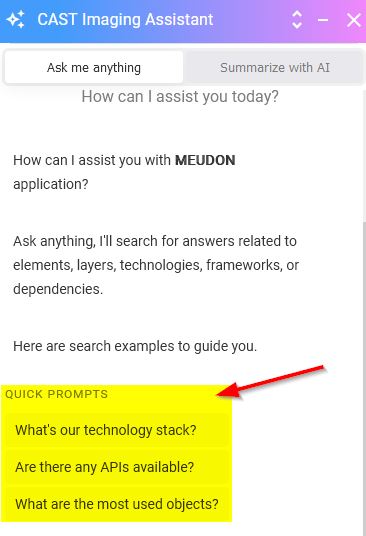
Three main “frequently asked questions” are provided as prompts - use these to get started:
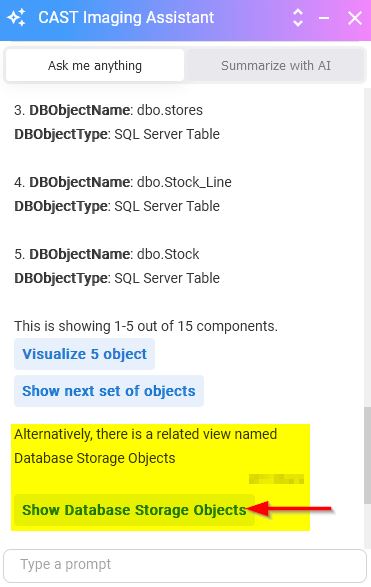
Predefined view recommendation
The assistant will recommend a predefined view if one is available and relevant to the query, for example after asking about database objects in the application, the assistant will recommend the predefined view Database Access: