Tag objects, transactions and modules
Apply custom tags to objects, transactions and modules to classify and filter them
Overview
Tags are custom labels that you can apply to objects, nodes or groups of objects/nodes to classify them in a way that is meaningful to your investigation. Once applied, a tag can be used as a search term to find tagged items more quickly, or to filter the view.
How do I add a tag?
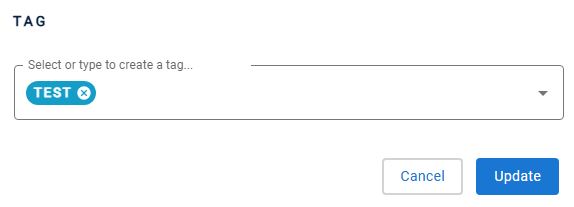
To add one or more tags to the selected items:
- use the Tags tool in the Action toolbar
- right click the item and select Add tag
How do I find or filter by tag?
Tags are displayed and managed via the right panel, and can be used to filter the items shown in the view.
- Tags can also be listed and managed programmatically using the API.
- Tags can be bulk imported - see Using the bulk Tag/Post-It import feature.