Annotate objects with Post-Its
Add free-text Post-It notes to a view or to specific objects
Overview
Post-Its are free-text notes that you can attach to a view, or to specific objects, nodes or groups of objects/nodes, to document findings and decisions as you investigate. When a Post-It is attached to an item, the item’s badge updates to indicate that a note exists. Post-Its are visible to all users with access to the same application in the same tenant.
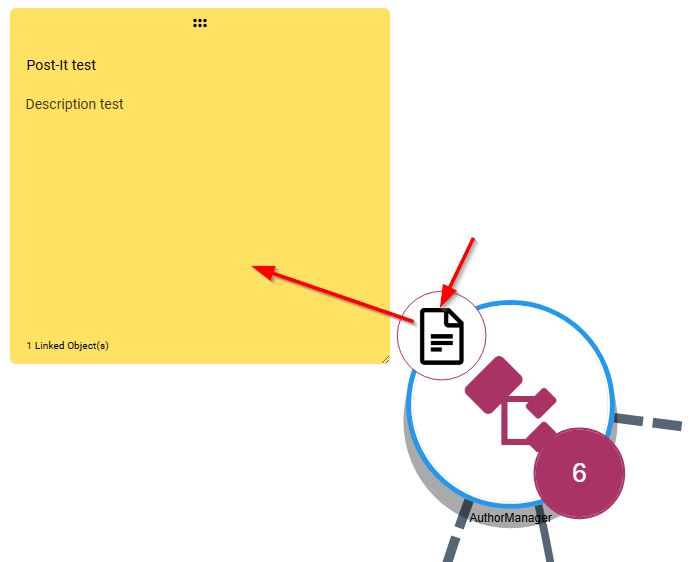
How do I add a Post-It?
Use the Post-Its tool in the Action toolbar to add a note to the view or to selected items. You can also right-click an item in the view and choose Add post-it to add a note to that item. Multiple Post-Its can be added per object or per view.
How do I view Post-Its?
Post-Its are displayed and managed via the right panel.
- You can also save the output of the AI explain feature directly as a note - see Leverage AI services.
- Post-Its can be bulk imported - see Using the bulk Tag/Post-It import feature.