Add custom object types
Overview
Sometimes you need to represent an entity that static analysis cannot detect - for example an external payment gateway your application calls at runtime, a message broker such as Kafka or RabbitMQ, or a business concept you want to discuss with your team. The Add concept node feature lets you add an object type of your choosing to the view as a concept node.
Concept object type nodes are displayed as squares, to distinguish them from object types resulting from an analysis (displayed as circles).
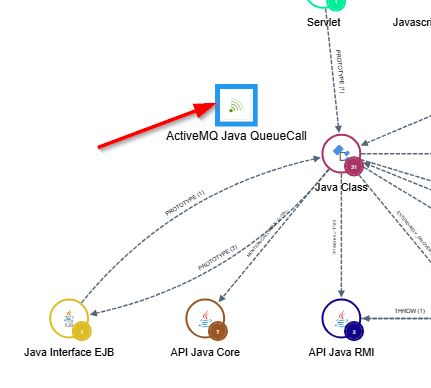
How do I add a custom object type?
Only available in the Application scope at Level 5.
Use the Add concept node tool in the Action toolbar and choose the object type you want to add. All object types can be added, except those already present on the view (whether as other concept nodes, or as object types resulting from an analysis).
Once added, you can connect the concept node to existing objects using custom links.