Add inserts and canvas comments
Add text, shapes and notes directly to the canvas
Overview
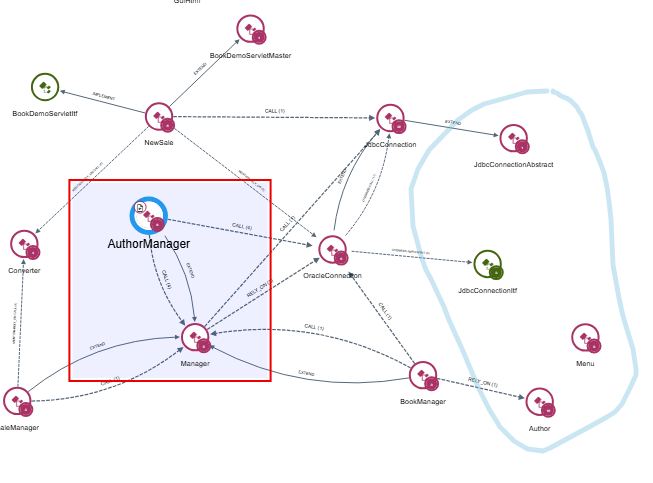
Inserts let you add text and shapes directly to the canvas - for example to add a title or description to a view, highlight specific items, or share notes with other users who open the view. You can add rectangles, circles, arrows and text using the Insert tool, or draw freehand shapes using the Drawing tool.
How do I add an insert?
Use the Insert tool in the Action toolbar to add text and shapes, or the Drawing tool to add freehand shapes in the colour of your choice.
Inserts and freehand shapes are not persistent: if you close the view or refresh your browser they will be lost. To keep them, save the view.