Using the Force Install setting
Overview
The Force Install option is available for all extensions, at extension level. It allows you to force CAST Imaging to ALWAYS install a specific release of a specific extension in all of your applications. Set the release you would like and then enable the Force Install toggle:
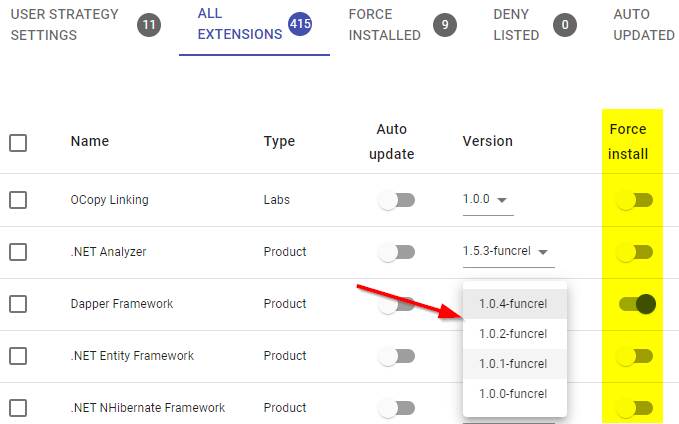
The following rules apply:
- For all new applications onboarded after a Force Install is configured, the extension will be automatically installed with the specified release.
- For existing applications that do not already include the extension, the extension will be automatically installed with the specified release.
- For existing applications where the extension is already installed under a different release, the release will not be updated to the configured one (to prevent result instability).
CAST sets some extensions to Force Install by default and with the latest release (at the time when your deployment was installed) in order to provide additional features and behaviour - see Force installed extensions.
What is the aim of this option?
This option has two principal aims:
- to ensure that every new application you onboard gets a specific release of an extension, thereby ensuring analysis result stability.
- to ensure that extensions providing specific behaviour or features are always installed in every new application you onboard.
Can I see which extensions are set to Force Install?
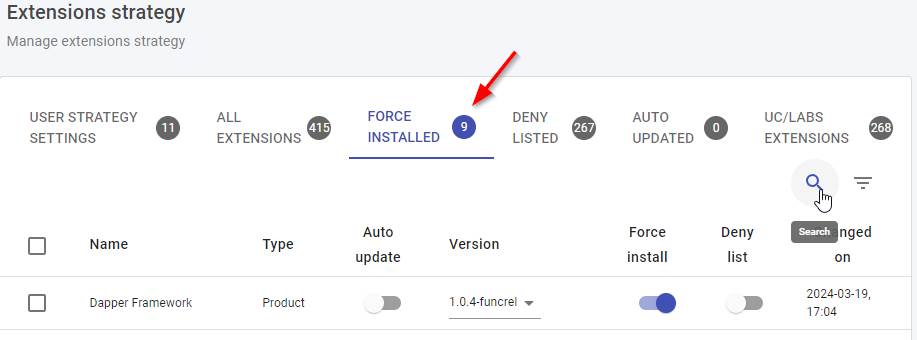
Use the filter column: