Log in and navigate the results Welcome page
Your first login and an orientation to the CAST Imaging results Welcome page.
Overview
This page walks you through logging in to CAST Imaging for the first time and orienting yourself to the Welcome page.
Before you start
- CAST Imaging must be installed and running
- You need valid credentials (or the default
admin/admincredentials on a fresh install - change these immediately after first login)
Step 1 - Log in
- Open a browser and navigate to your CAST Imaging URL (e.g.
http://localhost:8090orhttp://machine.corp.company.com:8090) - Enter your username and password and click Sign in
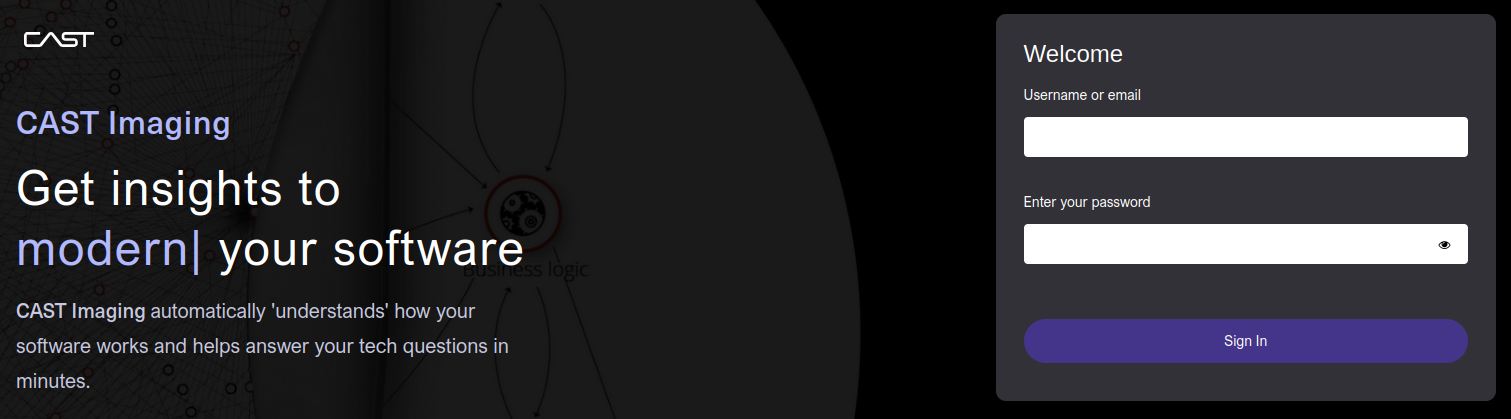
First login
If this is the first login after installation, use the default admin / admin credentials. See Authentication and User permissions for more details about this subject.
Step 2 - Select an application
After logging in you will see the list of applications you have access to. Click Ready to view to access the results:
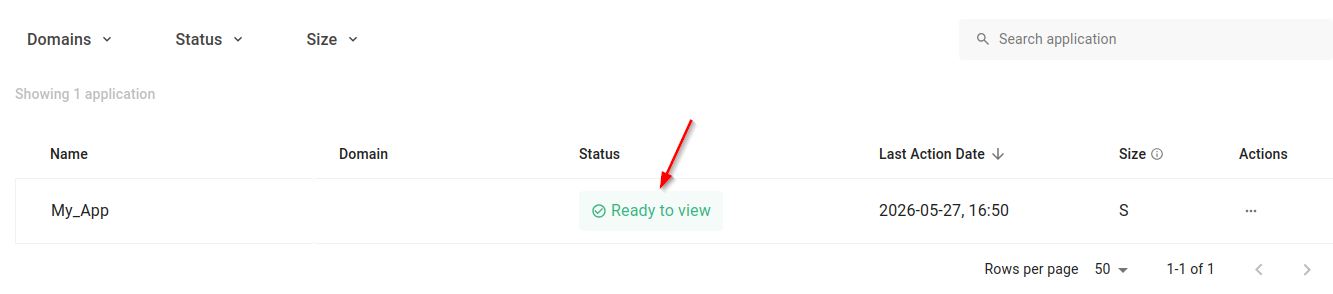
If no applications are listed, you need to onboard one first - see Onboard a simple application.
Step 3 - Explore the results Welcome page
The results Welcome page displays tiles organized into groups (tailored views) that give quick access to common analysis views:
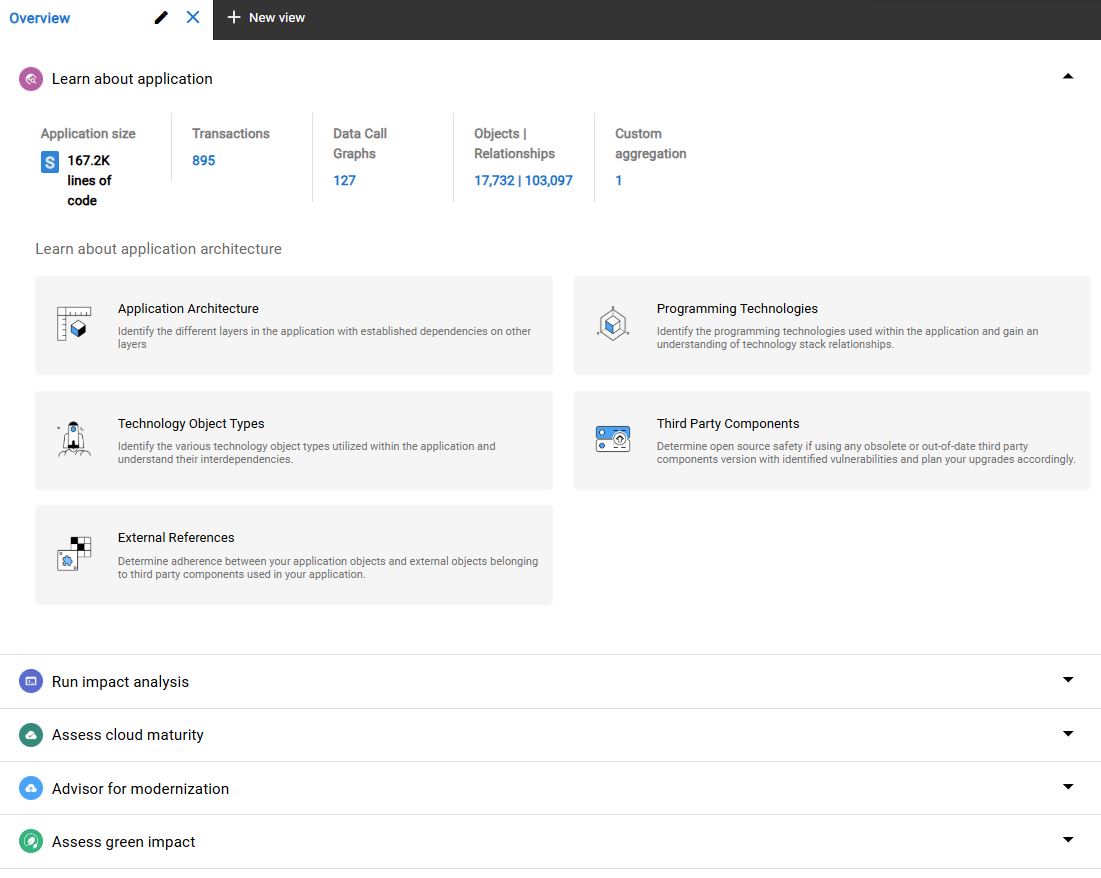
| Tile group | What it shows |
|---|---|
| Learn about your application | Architecture overviews, module maps, dependency graphs |
| Run impact analysis | Impact analysis, call graphs, object tracing |
| Advisor for modernization | Modernization advisor, technology upgrade paths |
| Improve application quality | Security findings, performance insights |
| Assess green impact | Environmental scoring |
Click any tile to open the corresponding view directly.
See Explore results for more details.