AIP Console - AIP Console Tools - Jenkins plugin - Console URL not accessible using Jenkins Plugin
Purpose
This page will help you to solve problems related to the error “ERROR: Unable to access to AIP Console at the following URL : https://
The Jenkins plugin allows you to automate some parts of using AIP Console, like delivering source code, running an application analysis, or generating a snapshot through Jenkins.
Unable to send request
sun.security.provider.certpath.SunCertPathBuilderException: unable to find valid certification path to requested target

 at sun.security.provider.certpath.SunCertPathBuilder.build(SunCertPathBuilder.java:141)

 at sun.security.provider.certpath.SunCertPathBuilder.engineBuild(SunCertPathBuilder.java:126)

 at java.security.cert.CertPathBuilder.build(CertPathBuilder.java:280)

 at sun.security.validator.PKIXValidator.doBuild(PKIXValidator.java:392)

Caused: sun.security.validator.ValidatorException: PKIX path building failed
Applicable Platform
| AIP Platform | Yes/No |
|---|---|
| CAST AIP 8.3 | ✅ |
| AIP Console Version | Yes/No |
|---|---|
| AIP Console 1.8.x or greater | ✅ |
Action Plan
If you see an error while accessing the AIP Console URL from the Jenkins like “ERROR: Unable to access to AIP Console at the following URL : https://

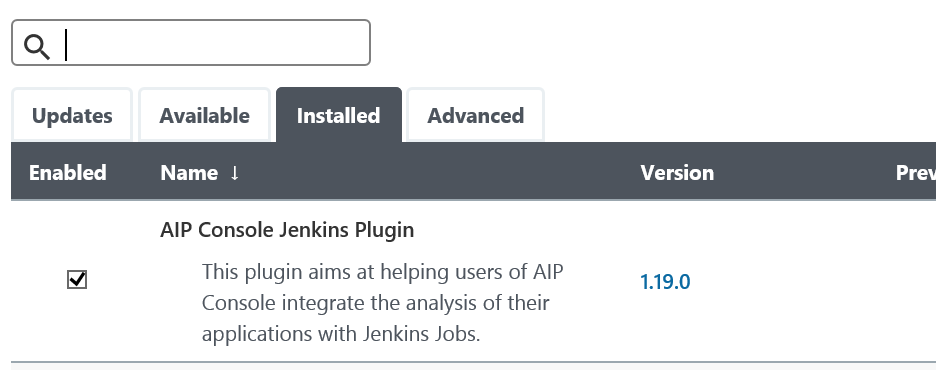


To solve this issue:
- Please check the Jenkins file to see the Java being used by the Jenkins hosted on your server and import the certificate to that Java Keystore using below steps:
- Check if you are using a self-signed certificate or a CA-signed certificate?
- if it is a self signed certificate, then you need to import the certificate to the trusted Keystore of the JVM used by Jenkins, and then you will have to restart the Jenkins.
To import the certificate, please follow the steps from page: SSL Errors - PXIX path building failed - How to import certificate into JRE/JDK
Notes/comments
Ticket # 31400
Related Pages
SSL Errors - PXIX path building failed - How to import certificate into JRE/JDK