AIP Console - Information - How to view the maven repository alerts
Purpose
This page provides information on how to view the alerts related to the maven repositories when adding a version through AIP Console.
For more information on the AIP Console, refer to:
- Official documentation for AIP Console:
CAST Component Version
| Release | Yes/No |
|---|---|
| >1.15.x | ✅ |
Applicable RDBMS
| RDBMS | Yes/No |
|---|---|
| Oracle Server | N/A |
| Microsoft SQL Server | N/A |
| CSS3 | N/A |
| CSS2 | N/A |
Details
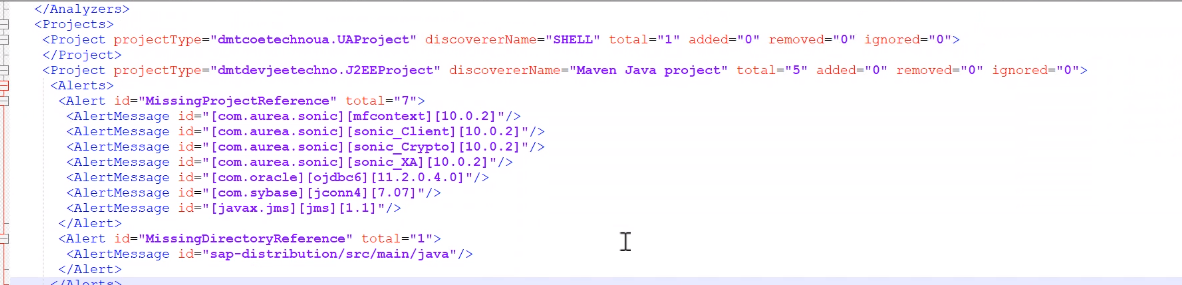
There is a current limitation in AIP Console where the alerts related to the maven packages are not displayed on the AIP Console GUI.
This is because maven repositories generate exceptionally high alerts and it is not feasible to display them all on the AIP Console GUI.
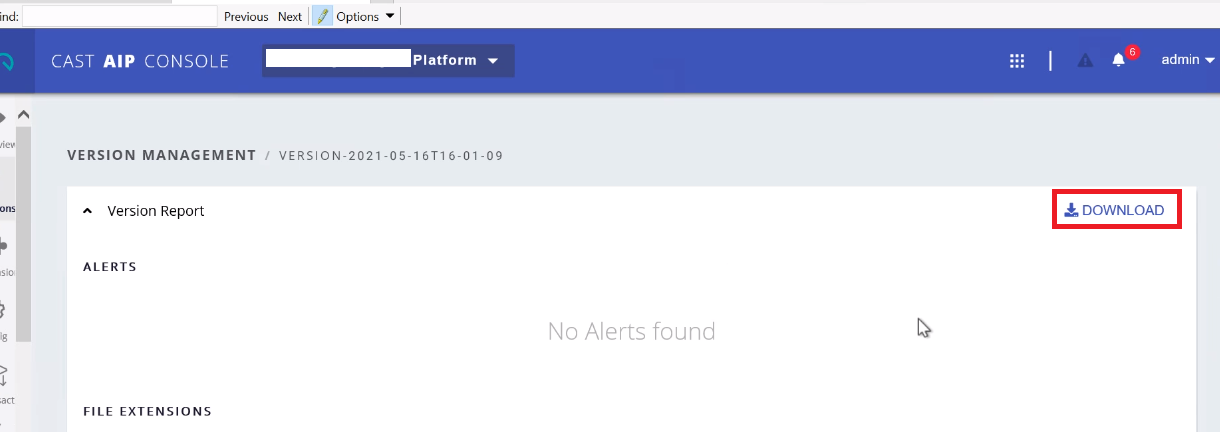
To view the Maven repository alerts you need to click on the Download button from the Version Tab » Click on your Version Name -
A file with the name
Notes/comments
Ticket 29598
Related Pages